Play with friends
Up to four of you, each a god with your own people, on one world. The last god left rules it.
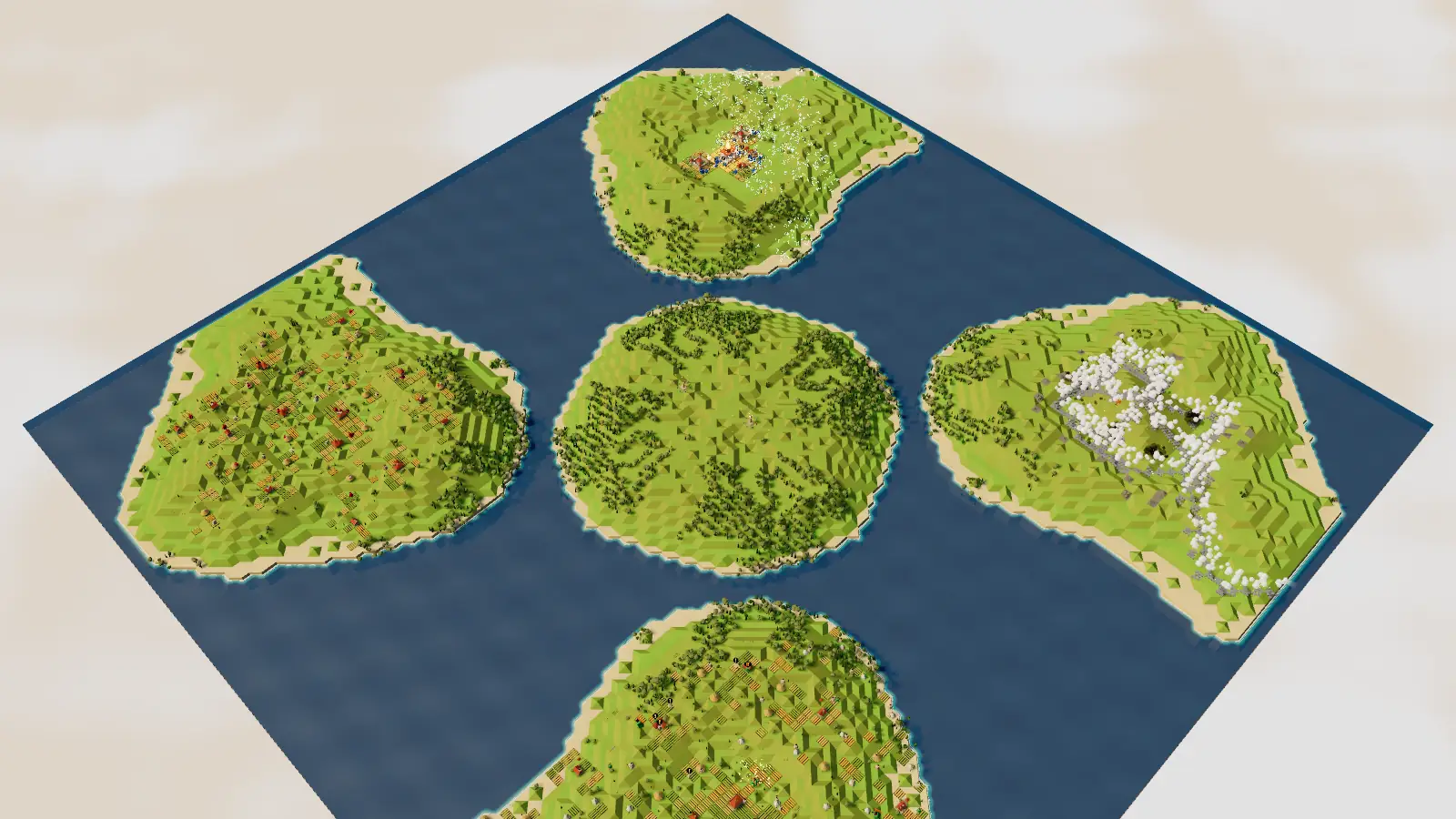
Host a match
- Open Deity and choose Multiplayer on the main menu.
- Pick 2, 3 or 4 players, the map size, map type and world type.
- Choose the powers. All powers, a set you pick, or a secret draft where each god spends points.
- Click Invite a friend, then Copy invite link and send it.
- Press Ready when everyone has joined.
Join a match
- Open the invite link your friend sent you.
- Or open Deity, choose Multiplayer and type the code.
- Draft your powers if it is a secret draft, then press Ready.
Good to know
- Two player works on Small, Standard and Large maps. Three and four player have six maps of their own, built so every god starts with the same land.
- Each player needs a laptop, desktop or iPad. Players are Blue, Orange, Green and Crimson.
- If a connection drops, the game reconnects for 60 seconds before the match is lost.
- In three and four player, a light in the caster's colour shows who struck you.
- If the host leaves, the match ends for everyone.
Try the free demo
Play the demo in your browser, on a laptop, desktop or iPad. Nothing to install.
Play demoBuy on Steam (coming soon)